



The right part, ready for the job
With the Inventory Management module in Mobaro, every spare part is tied to the shelf it sits on and the work it is used on. Planned maintenance starts with the parts in hand, long manufacturer lead times stop catching you out before opening day, and you stop rush-ordering parts that are already sitting in another warehouse.
Bring the stock room closer to the operation
Attractions run on very specific parts: a brake fin for a coaster, a seal kit for a slide pump, a belt for a bowling pinsetter. Counting them is easy. Knowing which attraction they belong to, when the next inspection needs them and what the off-season overhaul will use is where a generic stock list falls short. The Inventory Management module brings the stock room into the same platform as your maintenance and operations teams, so the part is on the shelf when the job starts, on record when it is done, and the attraction is back with guests sooner.
Parts planned with the work
Add the materials a job needs to the maintenance assignment before it starts, so technicians know what to bring before they head out.
Stock that matches the shelf
Use is recorded on the job, so stock levels follow what was actually fitted, not what someone remembered to type in at the end of the week.
Every part accounted for
Each movement is logged with date, user, reason and assignment. Show which part went where, and see what each attraction has used over a season.
From catalog to finished job
Your spare parts live in the same flow as your maintenance work, from the catalog to the finished job. Each step builds on the one before, so what you set up once keeps paying off in every assignment that follows.
Product visuals on this page are illustrations. The interface may differ.
Catalog
Find the right part without the binder
Build one catalog of materials with names, SKUs, manufacturers, descriptions and images. Technicians search by name or SKU and see the part, its photo and the shelf it sits on, instead of looking up numbers in manuals and binders.
- Material catalogEvery part in searchable categories, with the details your technicians need to pick the right one.
- Bulk setupMobaro imports your existing parts list for you, so you do not start from scratch.
- Material lists per attraction Coming soonGive every attraction and asset its own list of materials (MBOM), down to the SKU, built from the manufacturer’s documentation.
Warehouses
Know where every part sits
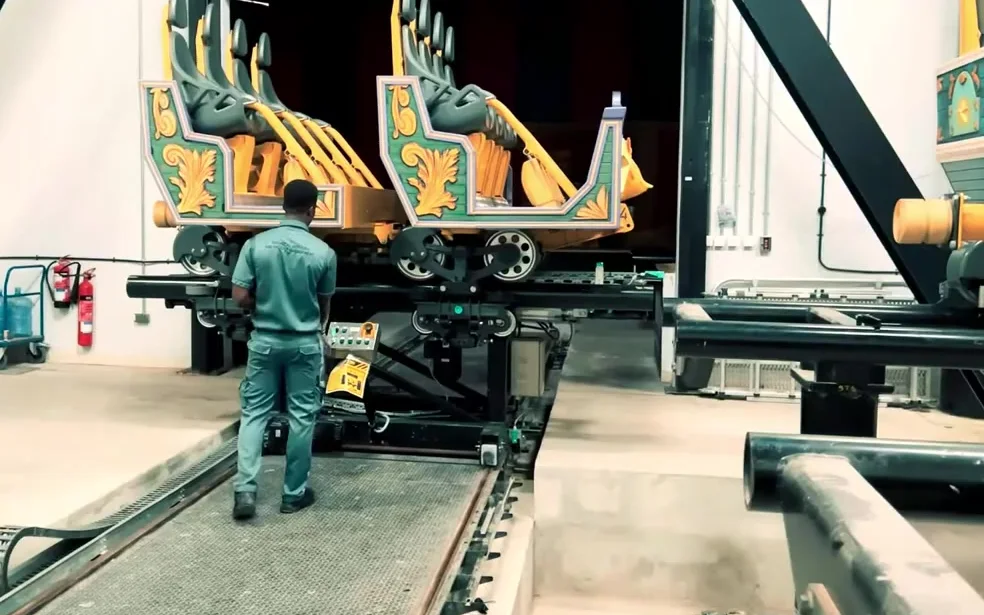
Keep stock per warehouse and across the organization, linked to your Mobaro locations. Record exactly where each part sits, by shelf, rack or bin, and move parts between warehouses when the workshop needs them. Less time searching the warehouse, more time on the job.
On the job
Planned on the assignment, recorded where the work happens
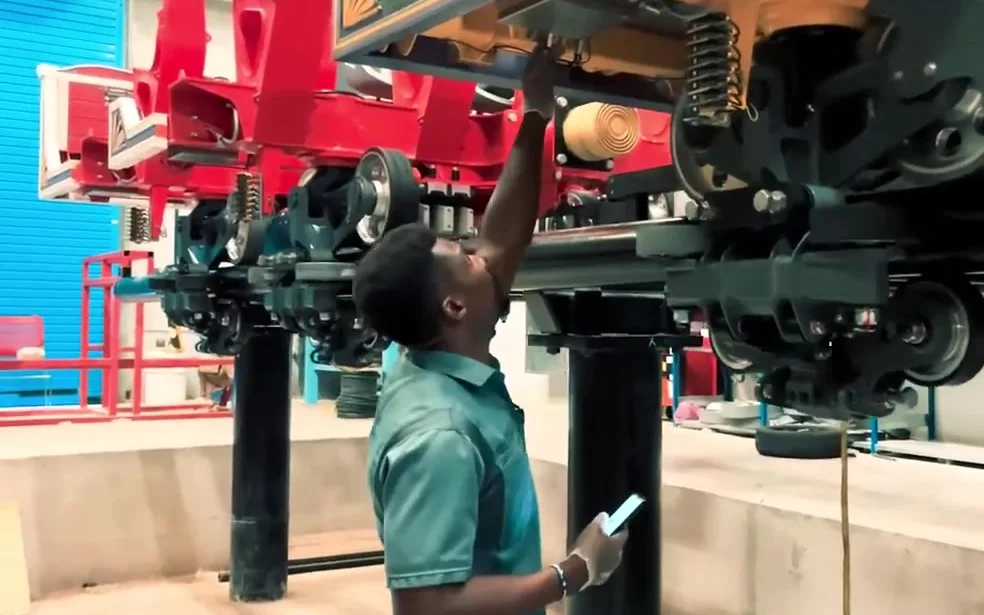
Add the materials an assignment needs before the work starts. The technician records what was actually used in the Mobaro app, on the spot. No paper notes to type into another system at the end of the shift.
- Planned and used, side by sideSee what the job was expected to need and what it actually took, on each assignment and in planned vs. actual reports.
- In the Web and the AppSupervisors plan in the office, technicians record on their phone or tablet.
- Stock follows the workEvery part used is logged against the assignment and shows up in the stock history.
Stock levels
Order before you run out
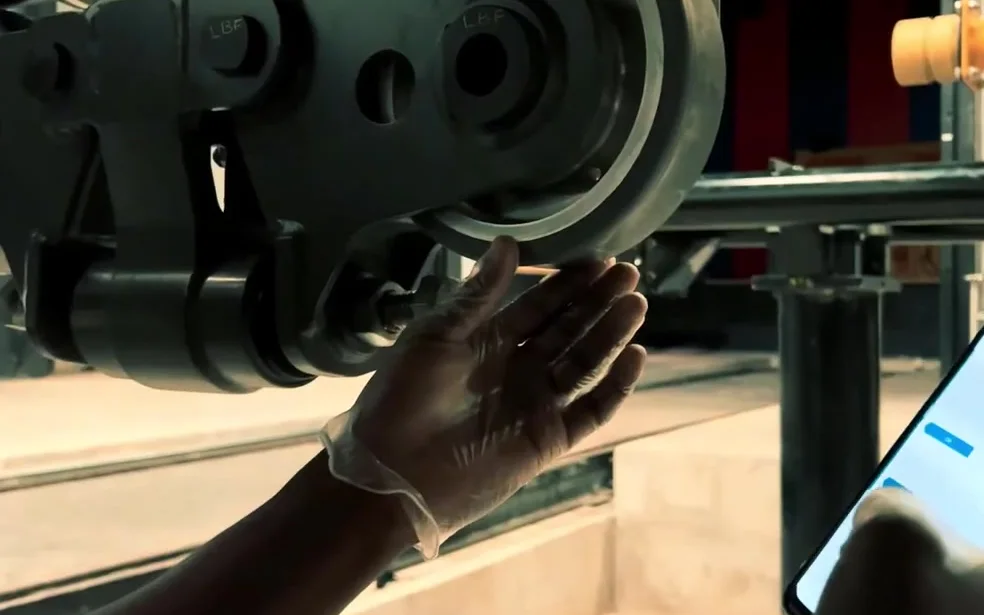
Set a minimum level for each part. Low and out-of-stock items are flagged and easy to filter, and scheduled emails show the right people what needs attention. Create purchase orders for what you are short on, and register deliveries against them when they arrive. Stock and purchasing stay in step.

“One of the reasons why I love using Mobaro is because it makes my job faster.”
One record, from fault to fix
What changes when spare parts move out of the spreadsheet and into the platform your maintenance team already uses.
| Separate system or spreadsheet | With Mobaro | |
|---|---|---|
| On the job | Parts noted on paper, then typed into another system later | Planned and recorded on the maintenance assignment, in the Web and the App |
| Finding the part | Part numbers looked up in binders and manuals | One searchable catalog with SKU, photo and shelf position. Material lists per attraction Coming soon |
| Stock levels | Counts drift when use is not logged | Stock reflects what was actually used on each job |
| Traceability | Hard to show which part went where, and when | Every movement logged with date, user, reason and assignment |
| Admin | Another login, another user list, another set of reports | The users, locations, roles and reporting you already have |

“[Mobaro] gives us complete traceability and helps our teams respond faster, maintain consistent standards, and make better operational decisions.”
Everything in Inventory Management
Assignment integration
Plan material needs and record actual use, in the Web and the mobile App.
Bulk setup
Mobaro imports your existing parts list for you.
Low-stock alerts
Minimum levels per part, with low and out-of-stock items flagged and scheduled emails to the right people.
Material catalog
Names, SKUs, manufacturers, descriptions and images, in searchable categories.
Material lists per attraction Coming soon
A list of materials (MBOM) for every attraction and asset, down to the SKU, built from the manufacturer’s documentation.
Multiple warehouses
Stock per warehouse, linked to your Mobaro locations. Add, adjust and transfer materials between them.
Procurement
Create purchase orders for the parts you are short on, and register deliveries when they arrive.
Reports
Consumption, forecast and planned vs. actual, per attraction and asset, with Excel export.
Role-based permissions
Decide who can view, adjust and transfer stock.
Stock history
Every adjustment, transfer and use, with date, user, reason and assignment.
Stock positions
Record exactly where each part sits inside a warehouse, by shelf, rack or bin.
Stock value
Unit prices in multiple currencies, with stock value per warehouse.
The same inventory, seen from three roles
Maintenance Manager
Plan the off-season with stock in view
Consumption and forecast reports show which parts your planned work will use, and planned vs. actual reports show where jobs take more than expected, so the winter overhaul does not stall on a missing seal kit.
Technicians
Less searching, more fixing
The material catalog and stock positions point to the right part on the right shelf. Recording what was used takes a few taps in the app.
COO and General Manager
See what each attraction costs in parts
Consumption per attraction and asset shows what each one uses in spare parts over a season, and stock value per warehouse, in your own currency, shows what sits on the shelves.
Part of the Mobaro your teams already use
Inventory Management is a module on the Mobaro platform. It works with the users, locations, roles and reporting you already have, so there is no extra login, no second user list and no separate set of reports. And because it was built for attractions, it thinks in workshops, seasons and maintenance plans. A downtime logged at the ride in Ride Operations becomes an assignment for maintenance, and the parts used on it come straight out of stock.

“Working with the team from Mobaro has been absolutely amazing. They understand the operation. They understand our industry. And that is quite evident in the type of system that they have built.”
Inventory Management FAQ
What do we need to use Inventory Management?
Just Mobaro. Inventory Management is a module on the Mobaro platform and uses the users, locations and roles you already have. If you already use Mobaro, it is added to your existing setup.
Can we import our existing parts list?
Yes. Mobaro imports your existing parts list into the catalog for you, with names, SKUs, manufacturers and categories, so you do not start from scratch.
Can technicians record parts from the mobile app?
Yes. Materials are planned on the maintenance assignment, and technicians record what they actually used in the Mobaro app or in the Web. Every part used is logged against the assignment in the stock history.
Can we manage more than one warehouse?
Yes. You keep stock per warehouse and across the organization, linked to your Mobaro locations. You can record where each part sits by shelf, rack or bin, and transfer materials between warehouses.
How do we know when parts are running low?
You set a minimum stock level for each part. Low and out-of-stock items are flagged and easy to filter, and scheduled low-stock emails show the right people what needs attention. From there, you can create a purchase order for the parts you are short on.
Who can change stock levels?
You decide. Role-based permissions control who can view, adjust and transfer stock, and every change is logged with date, user and reason.
Can we see what our stock is worth?
Yes. Add unit prices in the currencies you work in, and Mobaro shows the stock value per warehouse. Consumption and forecast reports can be exported to Excel.
Do we need assets or other Mobaro modules set up?
No. Assets are part of the core Mobaro platform, so they come with Mobaro itself. Inventory Management is added as a module on top and works with the assets, locations and assignments already in your account.
Does Inventory Management replace our ERP or purchasing system?
No. Inventory Management is built for maintenance at attractions: the parts, the warehouses and the work they are used on. It is not a full ERP. Purchase orders created in Mobaro fit into your purchasing process the way you work today, and Inventory Management is built to be integration-ready. Talk to us about how it fits your setup.
Does it work offline in the app?
Yes. Technicians can record the materials they use in the Mobaro App, also without a connection.
Can we scan barcodes?
Yes. Technicians scan barcodes with the Mobaro App when they count stock, so counts are faster and more accurate.
See Inventory Management in action
Leave your details, and one of our specialists will book an online demo with you.
















 ES
 EN


