



Operate every ride without blind spots
RideOps lets your operators manage readiness, dispatches, downtime and handovers right at the ride. It connects directly with your maintenance team in Mobaro, so faults become assignments, repairs are documented and rides only open once maintenance has cleared them. That way, you can run your rides safely, efficiently and cost-effectively.
Used by ride teams at





One flow from the ride
to the workshop and back
Ride operations and maintenance depend on each other all day, yet the handover between them often lives on paper, radio calls, or someone's memory. RideOps brings both teams into one flow, with a clear, documented handover, so everyone can see which rides are cleared, what was done, and who signed off. And because it is open by design, it connects to the queue, camera and sensor systems your park already uses.
Rides cleared with confidence
Pre-ops handovers and ride status show operators exactly which rides maintenance has cleared, before the first guest boards.
All your ride data in the right place
Inspections, repairs, dispatches and delay reasons are logged as they happen and shared live with everyone who needs them.
Every sign-off has a name
Handovers, inspections and reopenings carry a name and a time stamp, so you always know who did what, and when. Ready for any audit.
One app for the whole operating day
From maintenance clearing the ride in the morning to the last dispatch at night, RideOps guides operators through the day and records everything as it happens.
Prepare
Start the day ready
Before the first guest boards, operators sign in to their positions, complete their opening checks and see that the ride is cleared by maintenance.
- Mandatory positionsOperators sign in to the right position by scanning the barcode on their own staff ID or entering a PIN, from load platform to queue entrance.
- Opening checklistsPre-opening checks completed and signed at the ride, with photos where needed.
- CompetenciaOnly operators trained on a ride can sign in and operate it.
- Handover notesMaintenance can add a note to the pre-ops handover, so operators know what was done and what to keep an eye on.
- Opening and closing remindersA gentle nudge on the tablet when it is time to open or close, so rides keep to schedule.
- Manuals on handOperating procedures and guidelines inside the app, at the ride, and still on the tablet if the network drops.
Units in use
Trains and seats under control
Set which trains are running and drag them into operating order. Take a single seat out of service, and the available capacity follows straight through to dispatch.
Dispatch
Real throughput, train by train
Operators pick the number of riders and hold to dispatch. Each dispatch is tracked to the train that ran, so you get throughput per hour and real usage per vehicle.
- Rider count per trainSee capacity use ride by ride and train by train.
- Dispatch statisticsDispatches and riders this hour, live on the dashboard.
- Ready for outagesIf the network drops, operators keep dispatching. Dispatches are stored on the tablet and sync when the connection is back.
- Queue timeUpdated at the ride or by a connected system, and shown in your guest app through an integration such as Attractions.io.
Delays
Know why a dispatch was delayed
When a dispatch runs late or a train goes out empty, the operator records why in one tap. Over a season, you see exactly where your capacity goes, and you can choose to keep delayed dispatches out of your throughput figures, so a VIP boarding does not skew the numbers.
Set up as many reasons as your park needs.
From fault to fix to open ride
When something goes wrong during the day, RideOps hands it straight to maintenance in Mobaro. A fault or a note at the ride becomes an assignment for the right technician, and the ride only opens again when the fix is on record.
Step 01
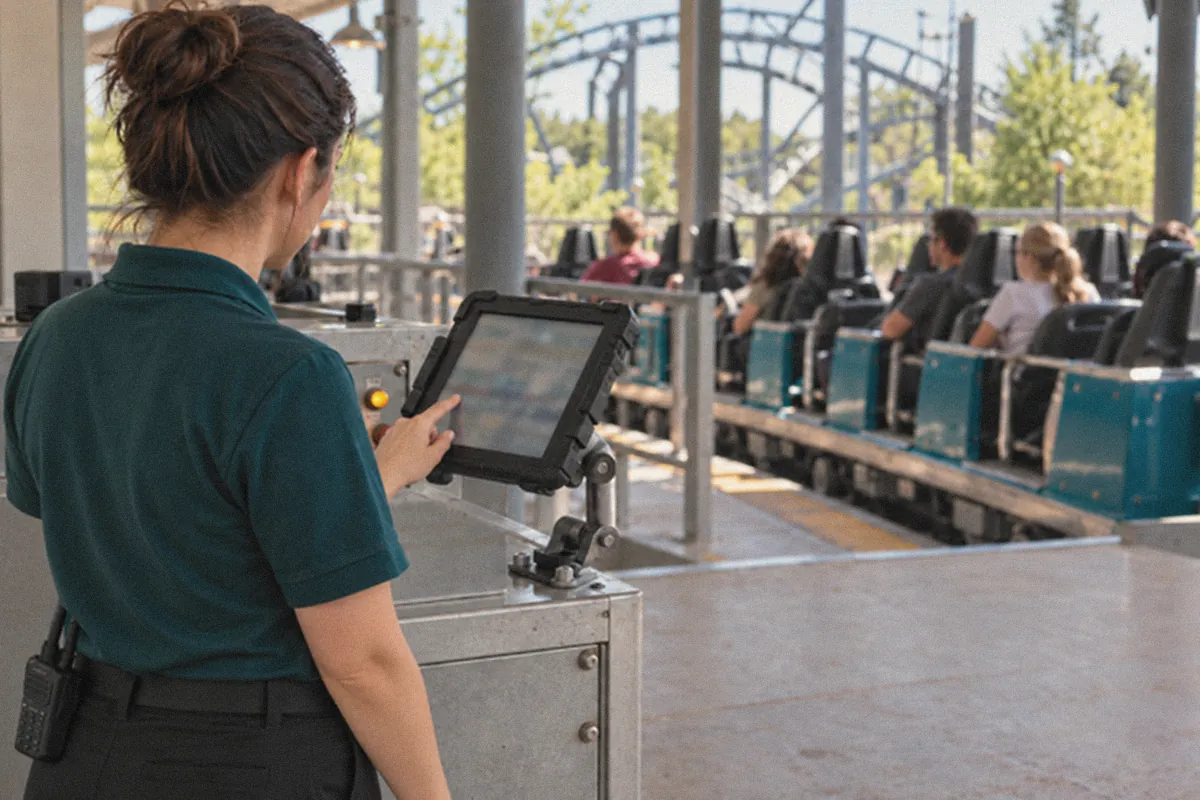
The operator flags it
A ride note captures what the operator notices at the station. It can simply inform, ask for action, or create an assignment for the right team automatically.
Step 02
A blocking fault stops the ride
If the issue gets worse, the operator starts downtime. A linked, high-priority assignment goes straight to maintenance, and the ride stays closed until it is resolved.
Step 03
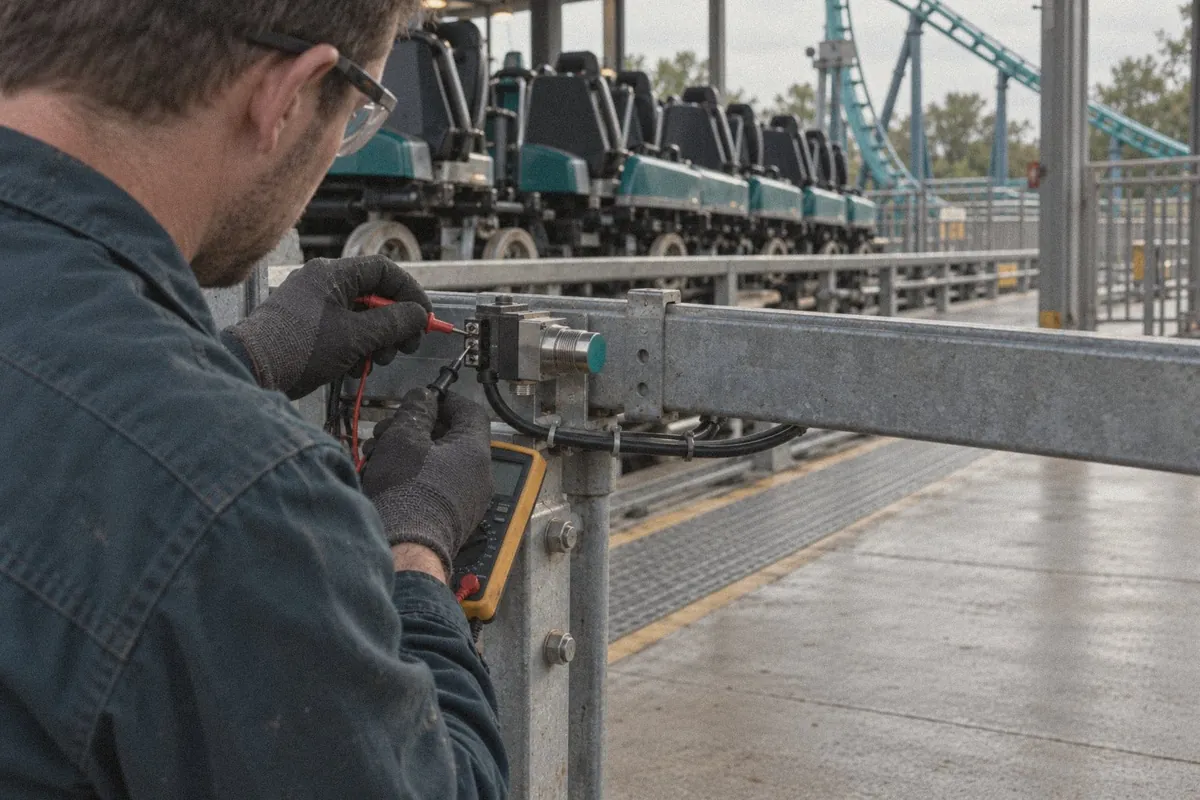
Maintenance records the repair
The technician picks up the assignment in the Mobaro app, inspects the station sensor, describes the fix and resolves it, so the repair is documented step by step.
Step 04
The operator reopens the ride
Fault cleared, the ride shows as ready for operation and the operator chooses when to reopen. No radio calls needed, and RideOps records the lag time between maintenance clearing the ride and operations reopening it.

“Mobaro is the hub and foundation of our operations. Communication is faster and effective with the checklist assigning work orders to the respective departments.”
 Christina HillPark Manager, Cowabunga Bay Waterpark (Pyek Group)
Everything at the ride, in one app
RideOps gives operators and managers one place to record, check and share what happens at each attraction.
Attendants and positions
See who works each ride and in which position. Operators sign in with a staff ID barcode or a PIN.
Competencia
Only operators trained on a ride can operate it.
Delay reasons
Record why a dispatch ran late or went out empty.
Downtime tracking
Each stop logged with time and reason.
Handover notes
Notes from maintenance on the pre‑ops handover.
Lag time
The time from maintenance clearing a ride to operations opening it.
Manuals and guidelines
Operating procedures in the app, right at the ride.
Opening and closing reminders
A nudge on the tablet when it is time to open or close.
Operator checklists
Pre-opening and closing checklists, completed and signed at the ride.
Queue time monitoring
Queue times logged at set intervals and shared across the park.
Ready for outages
Keep dispatching when the network drops. Everything syncs when the connection is back.
Ride cycles and capacity
Riders per cycle and per train, so you know how much capacity you use.
Ride notes and assignments
Flag what you notice and send an assignment to the right team.
Ride ready
See at a glance whether a ride is cleared for operation.
Ride stats in the Mobaro app
Ride status and staffing for managers on the move.
Train and seat control
Which trains run, in what order, and which seats are available.
One source of truth,
three ways to use it
Operations Director
See the whole park, live
Throughput, delays, downtime, staffing and the lag time from handover to reopening, across all your rides, so you can act during the day instead of reading about it the morning after.
Maintenance Manager
Plan from real usage
Dispatches per train and faults reported at the source give your team the data to prioritize the right work.
Ride operators
Less admin, more focus
Clear handovers, one-tap reasons and hold-to-dispatch. The app does the paperwork while they look after guests.

“Mobaro gives us significant improvements in efficiency, greatly benefitting our operations.”
 Lori GogelDirector of Attractions, Holiday World & Splashin' Safari
Plug in the technology around your rides
RideOps and the Mobaro platform are open by design, built to connect with the technologies your park already relies on. Here are some of the partners we work with today, from queue measurement to sensor monitoring and drone inspections.
 Guest app
Attractions.io
Live queue times from RideOps, shown to guests in your park app.
Visit website
Guest app
Attractions.io
Live queue times from RideOps, shown to guests in your park app.
Visit website
 Queues and throughput
Safari AI
Camera-based measurement of wait times, dispatch intervals and throughput.
Visit website
Queues and throughput
Safari AI
Camera-based measurement of wait times, dispatch intervals and throughput.
Visit website
 Queues and throughput
Nola
Queue times and throughput from your existing cameras, without facial recognition.
Visit website
Queues and throughput
Nola
Queue times and throughput from your existing cameras, without facial recognition.
Visit website
 Ride analytics
purematic
pure.AIS analytics for wait times, output, capacity and downtime per ride.
Visit website
Ride analytics
purematic
pure.AIS analytics for wait times, output, capacity and downtime per ride.
Visit website
 Ride condition
DMT RideGuard
AI monitoring of sensors on the ride. Deviations become assignments for maintenance in Mobaro.
Visit website
Ride condition
DMT RideGuard
AI monitoring of sensors on the ride. Deviations become assignments for maintenance in Mobaro.
Visit website
 Inspections
FlightMatrix
Autonomous drone inspections of theme park rides.
Visit website
Inspections
FlightMatrix
Autonomous drone inspections of theme park rides.
Visit website
Using another system? Mobaro integrates through open APIs and webhooks. Talk to us about your setup.

“The only problem I have with Mobaro is that we didn’t become a customer sooner.”
 Andreas AndersenCEO & President, Liseberg
Questions about RideOps
How does RideOps connect operations and maintenance?
Every morning, operators see the pre-ops handovers maintenance has completed before a ride opens. During the day, downtime or a ride note at the ride creates a linked assignment for the right team. When maintenance records the repair and resolves it, the ride shows as ready and the operator reopens it.
Can we see how long it takes to reopen a ride after maintenance?
Yes. The ride operations timeline in Mobaro shows the lag time between maintenance handing over a ride and operators reopening it. When downtime or a late opening is charged to a specific team or contractor, you can see exactly where the time went.
Can we record why a dispatch was delayed?
Yes. Operators pick a reason for a delayed or empty dispatch, such as accessibility boarding, guest assistance, a restraint recheck or VIP guests. You set up the reasons that match your park, see exactly where capacity is lost, and can choose to leave delayed dispatches out of your throughput statistics.
What hardware does RideOps run on?
RideOps is a web app built for tablets at the ride station. It runs in the browser, so there is nothing to install from an app store, and it connects to your organization with a secure RideOps key.
Does RideOps work offline?
Yes. If the network drops, operators can keep dispatching at the ride. Each dispatch is stored on the tablet and syncs automatically when the connection is back, and manuals and procedures stay available, which matters most during a downtime or a power loss.
How do operators sign in?
Operators sign in to their position by scanning the barcode on their own staff ID, linked to their Mobaro user, or with a personal PIN. Each check, dispatch and note is linked to a person, and competency rules decide who can work on which ride.
Can RideOps integrate with our other systems?
Yes. RideOps and the Mobaro platform are open by design, and built to integrate with the technologies and partners that matter to your operation. Today that includes partners such as Attractions.io, Safari AI, Nola, purematic, DMT RideGuard and FlightMatrix, covering queue times, throughput, ride analytics, sensor monitoring and drone inspections. If you use another system, talk to us about connecting it.
Do we need the full Mobaro platform to use RideOps?
Yes. RideOps is a module on the Mobaro platform, and that is what makes the handover work: downtime and ride notes become assignments for maintenance, and ride data shows up in the same dashboards as your inspections and work orders. If you already use Mobaro, RideOps is added to your existing setup.
See RideOps on your rides
Leave your details and a RideOps specialist will show you RideOps in an online demo and talk through how it would fit your rides.
 ES
ES  EN
EN 


